
1
Upload one photo
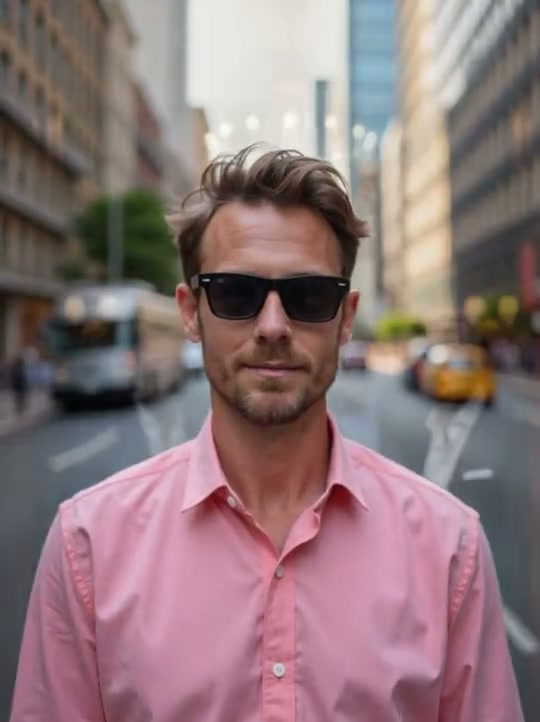
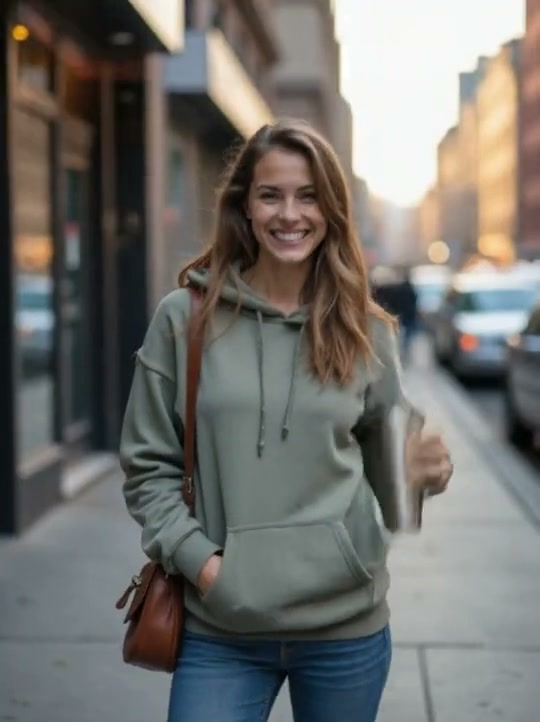
Add a clear, front-facing photo of yourself. Want Burning Bridges AI with friends? Add optional friend photos in the generator.
Burning Bridges AI is the dedicated one-photo generator for the viral Drake chandelier party trend — built-in trend template, optional friends, no watermark on paid downloads.
Free to try · No watermark on paid · Unofficial fan tool · Photos deleted on schedule
Upload one clear photo of yourself. Optionally add friends for Burning Bridges AI with friends in the same chandelier party scene.
Your video may be selected and published to the public Explore feed to inspire other creators.
Burning Bridges AI — Solo Lead · real output from this generator
Real demos
Each Burning Bridges AI demo below starts from a single photo and lands in the chandelier party scene creators are posting. Solo face, friends optional, trend template baked in — ready for TikTok, Reels, and Shorts.
One photo becomes you in the chandelier party: silver-cup energy, handheld camera vibe, viral party room. Ready for TikTok.
Lead photo plus friends — Burning Bridges AI recasts the crew into the same party scene for the group-chat version of the trend.
Post-ready Burning Bridges AI clip framed for Reels and Shorts. Add the official sound on-app if your download is ambience-only.
How to Use
A real end-to-end example: one everyday portrait becomes a Burning Bridges AI chandelier party clip. Follow the same flow to put yourself in Burning Bridges.
Add a clear, front-facing photo of yourself. Want Burning Bridges AI with friends? Add optional friend photos in the generator.
Burning Bridges AI trend template: place the uploaded identity into the viral Drake Burning Bridges chandelier party scene — crystal chandeliers, warm wood-paneled party room, handheld camera energy, silver cup beat — keep the face recognizable, vertical social framing, post-ready MP4.
No CapCut hunt, no Higgsfield reference clip. The built-in Burning Bridges AI template already knows the chandelier party scene.
Press Generate, wait for the render, then download. Paid Burning Bridges AI downloads have no watermark — add the official sound on TikTok if needed and post.
Make yours nowHow it works
Burning Bridges AI is built for one job: put yourself in the Drake chandelier party trend without learning motion-control tools.
Start with a clear front-facing photo. Want Burning Bridges AI with friends? Add optional crew shots so the party is not a solo scene.
The Burning Bridges AI trend template already stages the chandelier party — you do not write a prompt or upload a reference music-video clip.
Generate your Burning Bridges AI video, unlock a no-watermark MP4 on paid plans, add the official sound if needed, then post to TikTok, Reels, or Shorts.
Want the full posting checklist? Jump to the how-it-works details for sound, aspect ratio, and AI disclosure tips.
The scene
Burning Bridges AI targets the viral Drake Burning Bridges chandelier party look — the same scene vocabulary creators search for when they want to put yourself in burning bridges.
Crystal chandeliers, warm wood-paneled energy, crowded party depth — the visual hook that makes a Burning Bridges AI clip readable in the first second.
The handheld cup moment is part of the trend language. Burning Bridges AI stages you into that party gesture without a DIY film set.
Slightly restless, live-party framing — not a stiff talking-head crop — so your Burning Bridges AI video feels native to the trend feed.
Creators often pair the clip with the trend sound and caption energy. Burning Bridges AI gives you the visual; you add the official audio on TikTok when required.
Prefer a tool that does not make you write motion prompts? Stay on the Burning Bridges AI generator — the trend template already carries the scene.
Ways to use it
Every card below is still Burning Bridges AI — same one-photo trend template, different posting intent. Tap a card to jump back to the generator.

The core use case: one photo of you becomes the lead in the chandelier party scene.
“One selfie. Same Burning Bridges AI party room. Post tonight.”
Make my Burning Bridges AI video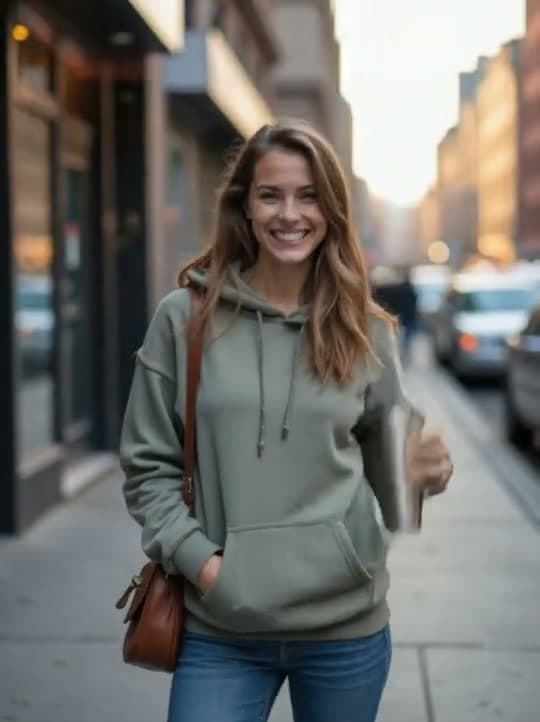
Add optional friend photos so the whole crew shows up in the same Burning Bridges AI party video.
“Group chat said make Burning Bridges AI with friends — we did.”
Add my friends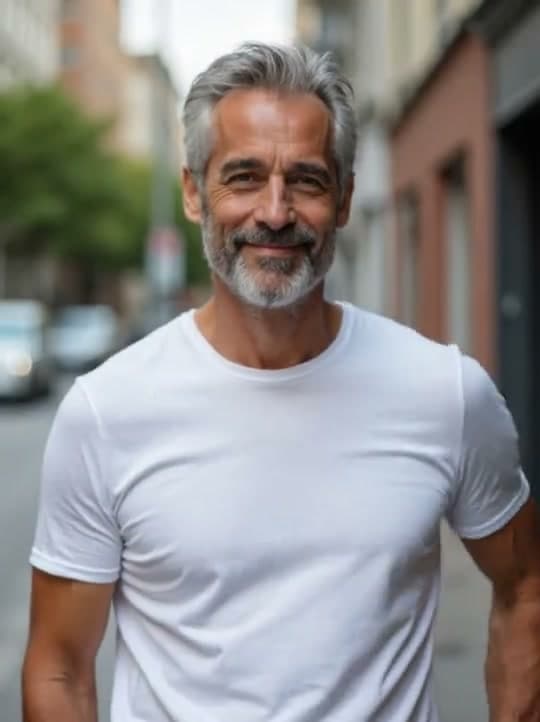
No multi-angle kit, no reference clip. One clear portrait is enough for the Burning Bridges AI video maker.
“I only had one photo. Burning Bridges AI still worked.”
Start from one photoPaid downloads unlock a clean MP4 so your Burning Bridges AI clip is shareable without a brand stamp.
“Needed Burning Bridges AI no watermark for the final post.”
Unlock clean downloadGenerate, download, add the official sound if needed, disclose AI content, then publish with #burningbridgesai.
“Burning Bridges AI TikTok cut — sound added on-app.”
Make a social cutWhen you want a Burning Bridges AI trend template instead of motion-control tutorials or region-locked CapCut packs, start here.
“I tried the hard path. Burning Bridges AI was the one-photo path.”
Compare the easy pathOne photo is enough. Optional friends make it better. Put yourself in the chandelier party with the Burning Bridges AI trend template — no watermark on paid downloads.
Generate Your Burning Bridges AI VideoHave questions or feedback about Burning Bridges AI? Email us — we read everything.